

Top 10 Architecture, 3D Rendering and Modelling Laptops
Value (Rs 60,000 - Rs 80,000)
Last updated 2 Sept 2026, 7:15 pm
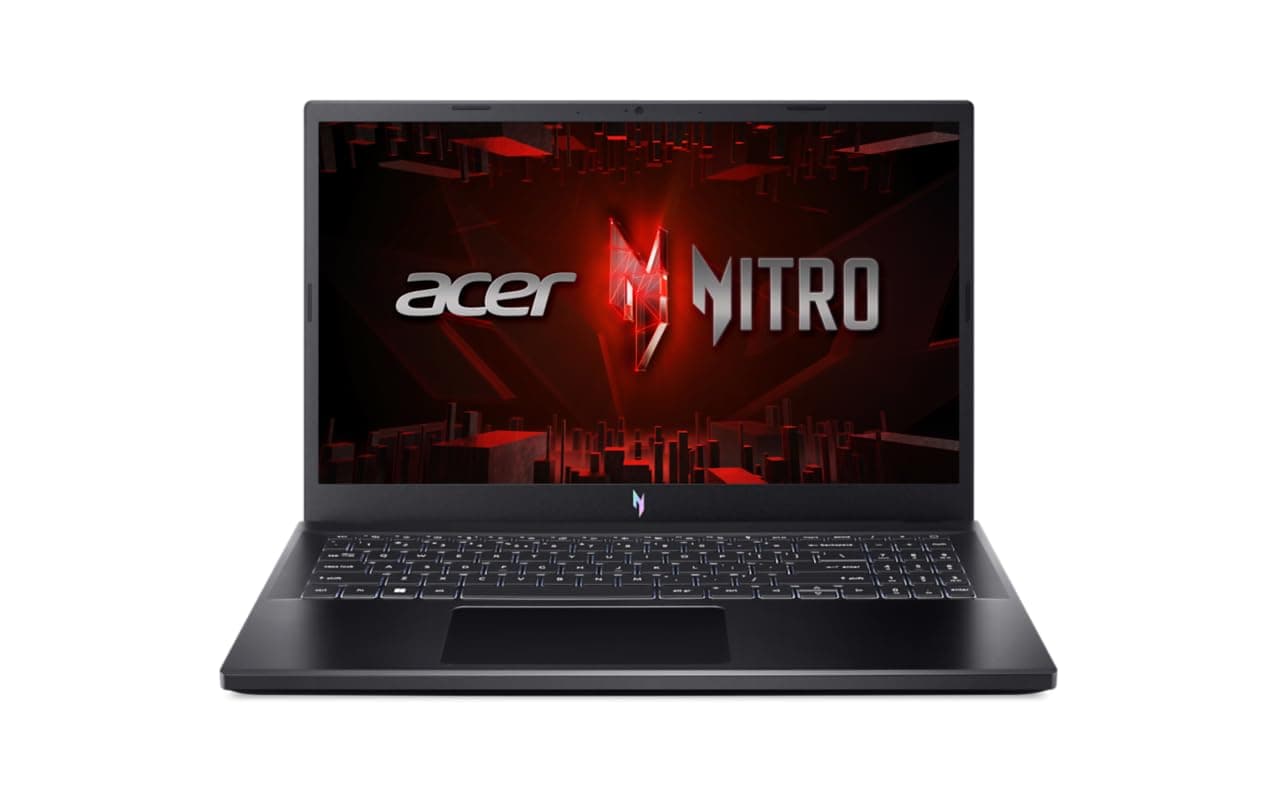
Top Performer. This is currently the top recommendation for architecture 3d modelling rendering in this price segment.
Leading the charts with the RTX 4050 6GB (75W), this laptop delivers faster rendering and timeline responsiveness in this segment.
One can expect around 6 hours of battery life during everyday workloads. For complex projects, upgrading to 32GB RAM is highly recommended to prevent bottlenecks.
Bottom Line: A high-confidence creator shortlist option if you value render/export throughput with display confidence and a stronger display profile for long visual sessions.

A top-tier contender for demanding creator and rendering workflows.
The RTX 3050 6GB (95W) delivers stable graphics acceleration for mixed workloads in this segment.
For complex projects, upgrading to 32GB RAM is highly recommended to prevent bottlenecks. The It scores highly in our value index, maximizing performance per rupee. The 100% sRGB display ensures accurate color reproduction for design work.
Bottom Line: A practical creator choice in this budget for render/export throughput with display confidence and a stronger display profile for long visual sessions.

A top-tier contender for demanding creator and rendering workflows.
The RTX 3050 6GB (95W) delivers stable graphics acceleration for mixed workloads in this segment.
Color-critical work is well-served by the 100% sRGB gamut coverage. Start with 24GB and upgrade later—RAM slots are accessible.
Bottom Line: Solid fit for media workloads that prioritize render/export throughput with display confidence and a stronger display profile for long visual sessions.
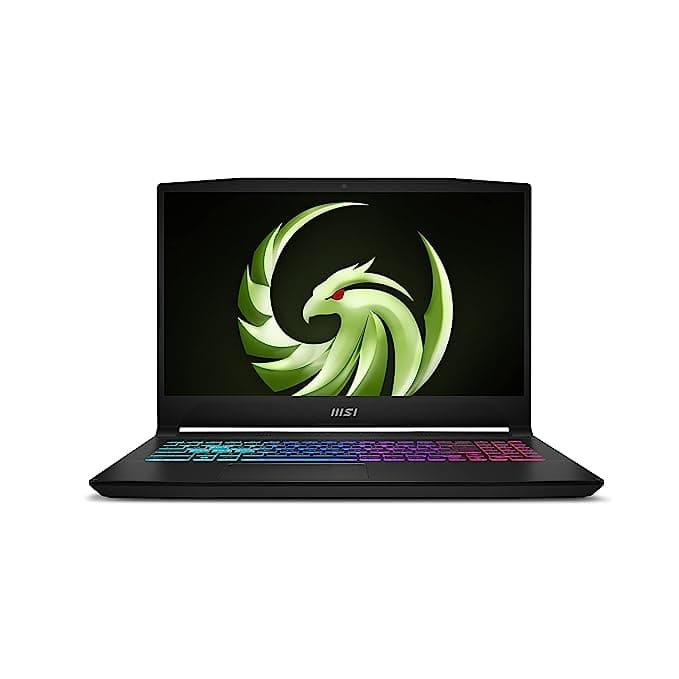
A reliable creator option that balances throughput and display quality. Notably, the MSI Bravo 15 (2023) C7VEK-088IN is the only laptop to offer an RTX 4050 6GB (105W) graphics card in this list.
The RTX 4050 6GB (105W) improves creator workflows with newer architecture efficiency and stronger media acceleration than older cards.
One can expect around 8 hours of battery life during everyday workloads. For complex projects, upgrading to 32GB RAM is highly recommended to prevent bottlenecks.
Bottom Line: Solid fit for media workloads that prioritize render/export throughput with display confidence and more local project storage before external drives.
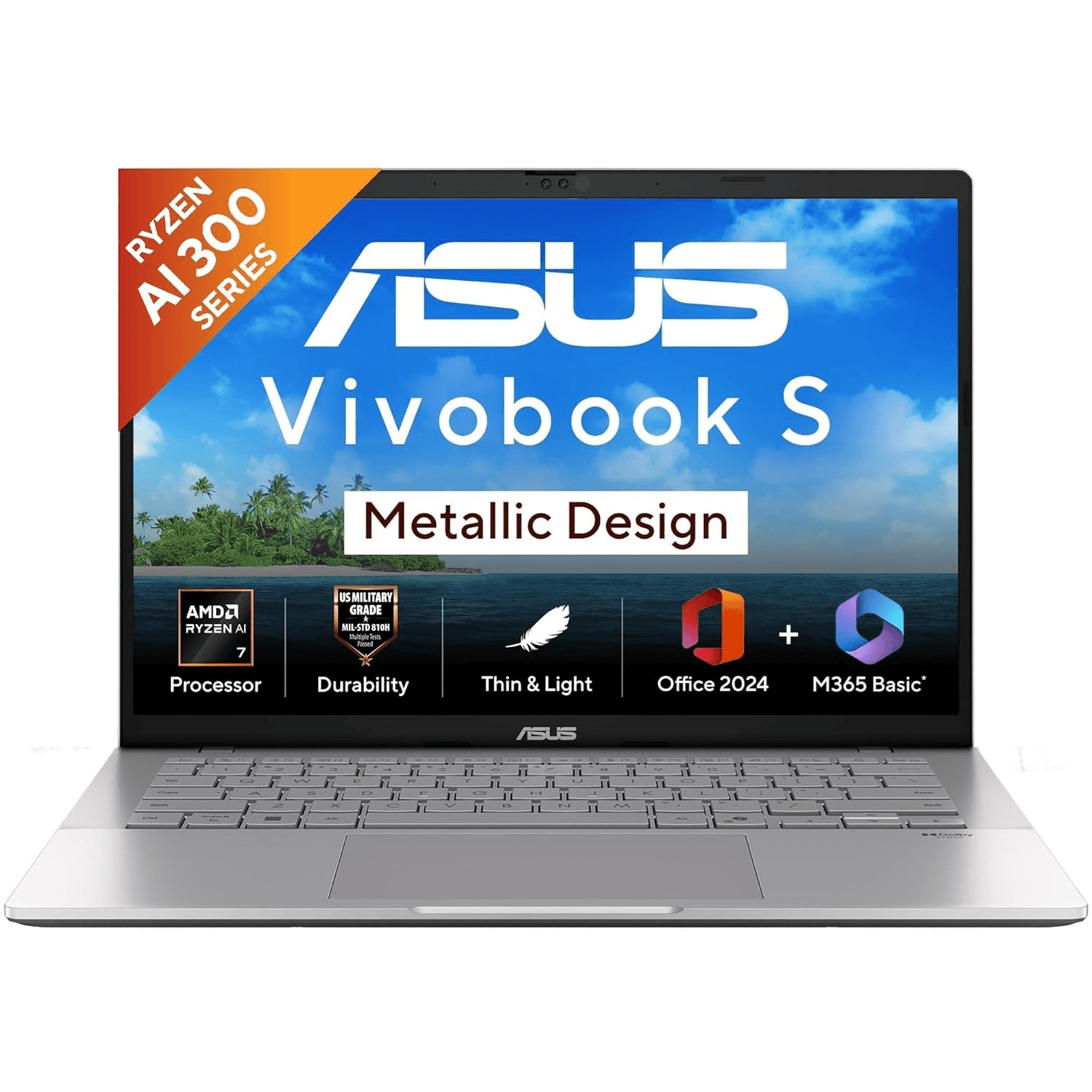
Best Battery Life. A reliable creator pick with practical strengths for rendering, exports, and media workflows.
Powered by the Ryzen AI 7 350 and Radeon 860M, it delivers capable performance for this class. For editing, design, and daily tasks, one can expect up to 14 hours battery runtime, which is rare among laptops in this segment.
For complex projects, upgrading to 32GB RAM is highly recommended to prevent bottlenecks. The 95% DCI-P3 display ensures accurate color reproduction for design work.
Bottom Line: A practical creator choice in this budget for render/export throughput with display confidence and a stronger display profile for long visual sessions.
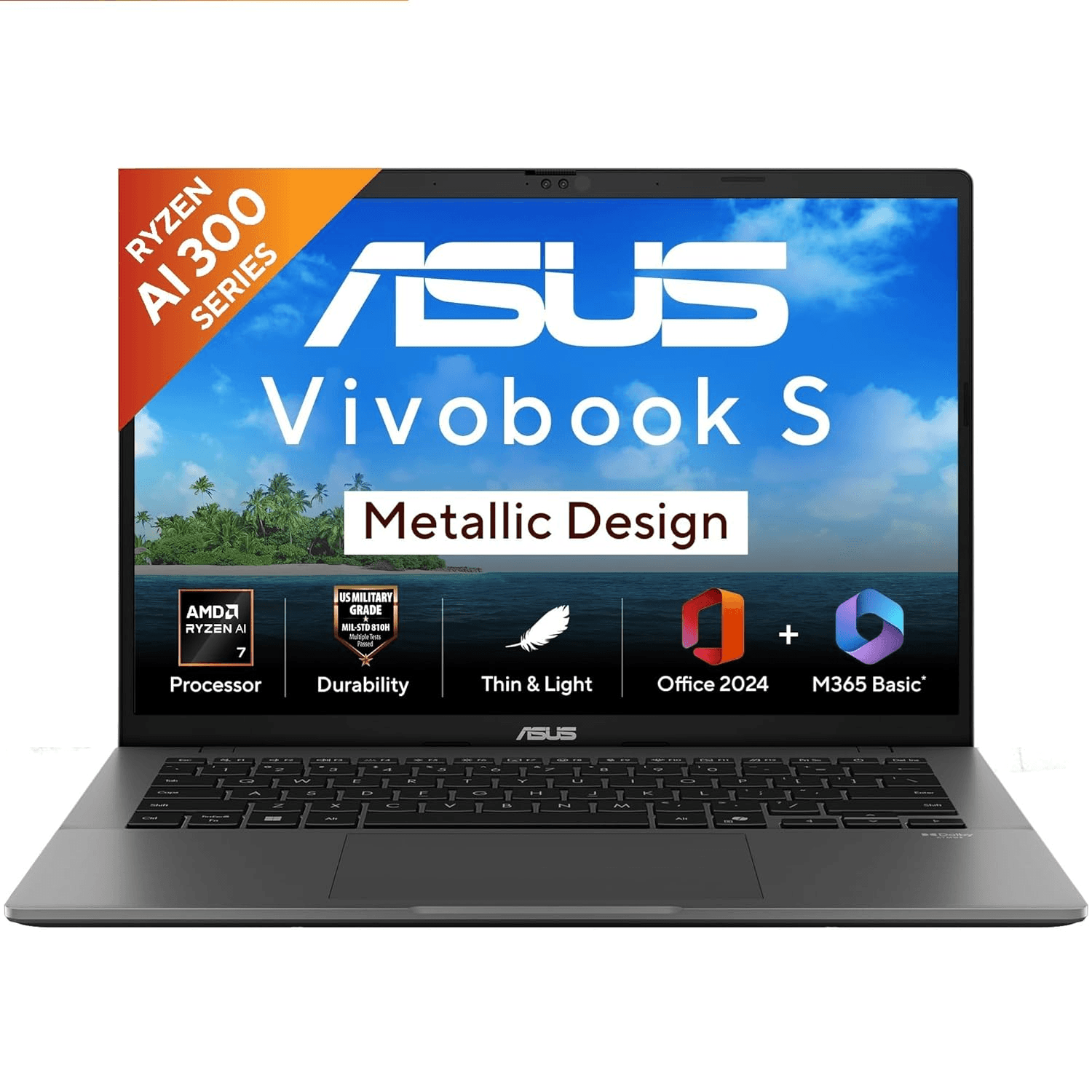
A reliable creator pick with practical strengths for rendering, exports, and media workflows.
Powered by the Ryzen AI 7 350 and Radeon 860M, it delivers capable performance for this class. For editing, design, and daily tasks, one can expect up to 14 hours battery runtime, which is rare among laptops in this segment.
For complex projects, upgrading to 32GB RAM is highly recommended to prevent bottlenecks. Color-critical work is well-served by the 95% DCI-P3 gamut coverage. Start with 16GB and upgrade later—RAM slots are accessible.
Bottom Line: A strong creator pick for render/export throughput with display confidence and a stronger display profile for long visual sessions.
A reliable creator option that balances throughput and display quality.
Powered by the Ryzen AI 7 350 and Radeon 860M, it delivers capable performance for this class. For editing, design, and daily tasks, one can expect up to 14 hours battery runtime, which is rare among laptops in this segment.
For complex projects, upgrading to 32GB RAM is highly recommended to prevent bottlenecks. Color-critical work is well-served by the 95% DCI-P3 gamut coverage. Start with 16GB and upgrade later—RAM slots are accessible.
Bottom Line: A strong creator pick for render/export throughput with display confidence and a stronger display profile for long visual sessions.
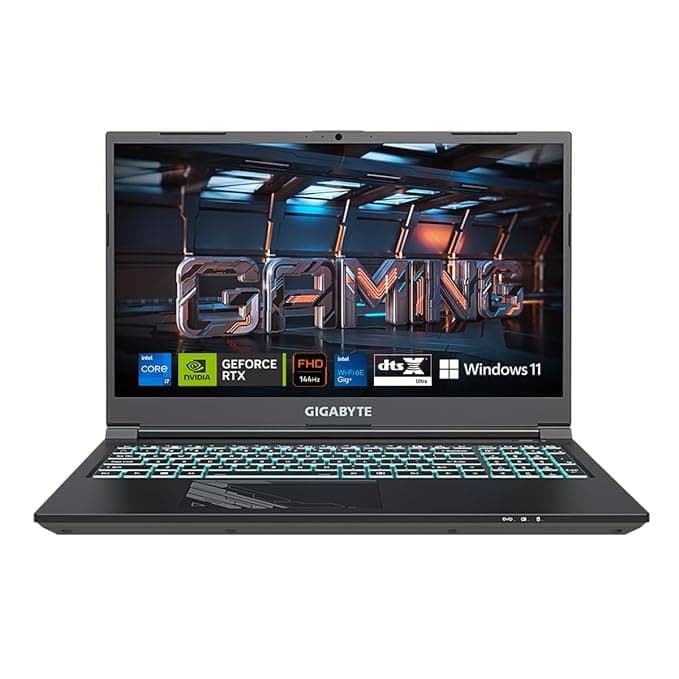
A reliable creator pick with practical strengths for rendering, exports, and media workflows.
The RTX 4050 6GB (75W) improves creator workflows with newer architecture efficiency and stronger media acceleration than older cards.
For complex projects, upgrading to 32GB RAM is highly recommended to prevent bottlenecks. Start with 16GB and upgrade later—RAM slots are accessible. The integrated SD Card Reader streamlines your workflow, letting you ingest photos without carrying a dongle.
Bottom Line: A practical creator choice in this budget for render/export throughput with display confidence.
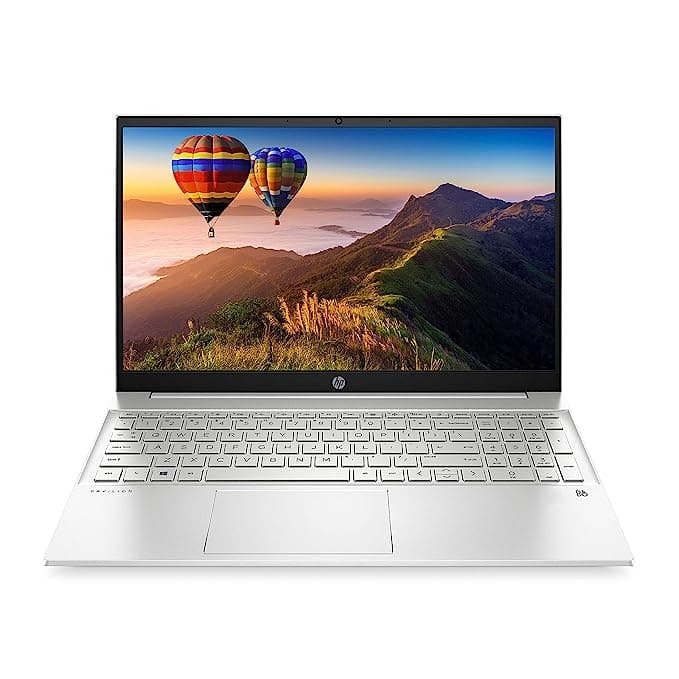
A reliable creator pick with practical strengths for rendering, exports, and media workflows.
Powered by the Intel Core i5-1340P 12C / 16T and Intel Xe G7 80 EUs, it delivers capable performance for this class. Despite the 41Wh battery, this Intel variant is highly efficient, outlasting similar configurations by delivering 7 hours of backup.
For complex projects, upgrading to 32GB RAM is highly recommended to prevent bottlenecks. The 100% sRGB display ensures accurate color reproduction for design work. Start with 16GB and upgrade later—RAM slots are accessible.
Bottom Line: A strong creator pick for render/export throughput with display confidence and a stronger display profile for long visual sessions.
Nearby upgrade: Acer Nitro V ANV15-41 (2024) at ₹ 74,990 — +6% price, +7 architecture-3d-modelling-rendering score.

A reliable creator option that balances throughput and display quality. Notably, the ASUS Vivobook 16 (2025) X1607CA-MB139WS is the only laptop to offer a 14-core processor in this price segment.
Powered by the Intel Core Ultra 5 225H and Intel Arc Graphics 130T, it delivers capable performance for this class.
For complex projects, upgrading to 32GB RAM is highly recommended to prevent bottlenecks. The Intel Core Ultra 5 225H 14 Cores processor records the highest single-core frequency in this list. Start with 16GB and upgrade later—RAM slots are accessible.
Bottom Line: A practical creator choice in this budget for render/export throughput with display confidence.
What this list prioritizes
For architecture, 3d rendering and modelling, we ranked this list by focusing on CPU performance, GPU performance, memory capacity, graphics memory.
Data Integrity Note
No LLM models were used to generate this buying guide. All outputs are 100% deterministic and objective, subject only to possible human data-entry errors. If you notice any data quality issues, please share your feedback with us.